Convierte los archivos CR2 en línea
A veces sucede que tienes que ver y convertir algunos archivos CR2, pero no hay herramientas apropiadas en tu ordenador. En este caso necesitas buscar una herramienta, instalarla y a veces pagar por ella por adelantado.
Hemos construido nuestro servicio de tal manera que se evite estos problemas. Simplemente abre la herramienta y empieza a convertir tus archivos Canon Raw directamente en el navegador.

Obten los archivos JPG de tamaño necesario
La conversión de tus archivos CR2 a JPG no es la única función de nuestra herramienta. Puedes cambiar el tamaño y ajustar DPI del archivo final. Además, no es ningún problema realizar esta operación para una serie de archivos en unos pocos clics.
Suelta tus archivos RAW en la herramienta y conviertelos en unos pocos clics. Además, puedes redimensionar los archivos JPG usando nuestro servicio.

Conversión muy segura desde Canon RAW a JPG
A diferencia de otras herramientas, raw.pics.io no carga tus archivos a Internet. Eso significa que tus archivos nunca salen de tu ordenador. Otra ventaja de nuestra tecnología es el hecho de que la conversión de tus archivos RAW se efectúe rápidamente y no afecte al tráfico de Internet.

Comparte los archivos Canon RAW al instante
No puedes agregar el archivo CR2 en Facebook porque este formato no es soportado allí. Con nuestra herramienta puedes compartir tu archivo CR2 directamente desde tu navegador. No necesitas instalar nada o cargar algo a Internet. Todo se efectúa justo en tu ordenador, bajo tu control total.
What is CR2?
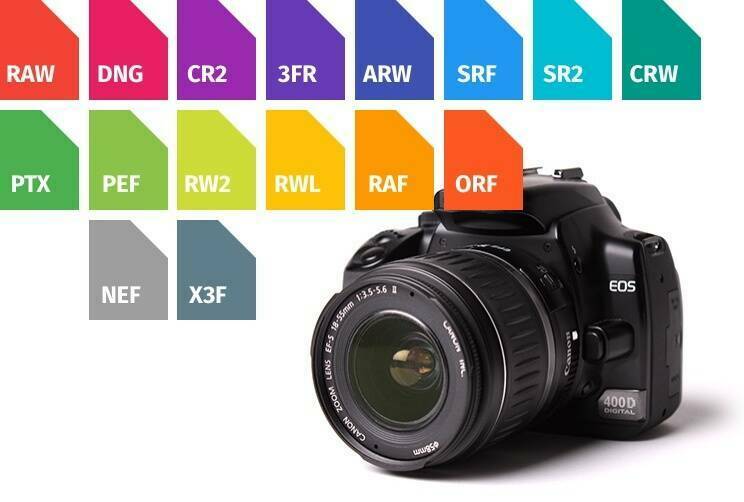
A file with an extension CR2 is a photo made with the help of Canon digital camera. It’s one of the many so-called RAW file formats. CR2 images are unprocessed and uncompressed photos where the data is saved exactly as it was captured by the sensor with no losses. These files also contain a lot of valuable metadata.

How to open and view a CR2 file?
CR2 is a proprietary format, which means that you can’t easily open and view these files on a regular computer or mobile device. If you want to view and convert your CR2 photos into more a standard JPEG format, you’ll have to use some of the specialized editing tools than you’ll need to acquire and install on your computer. Alternatively, you could use free online converter raw.pics.io. With its help you can open and view CR2 images wherever you are. You can also resize your images, modify them in multiple ways, and even convert into JPG or PNG, without touching the original file. All these operations happen directly in the browser, which is also very secure.

CR2 pros and cons
Similar to other RAW images, uncompressed CR2 photos are of much higher quality than JPEGs. Another great thing about CR2 files, which is also true for other RAW images, is the fact that you can post-process them. It means that you can modify the data which is stored inside the file with the help of online editor and convertor, such as raw.pics.io, and later saved into the file. However, CR2 format also has a number of serious disadvantages. In the first place, they are not as flexible as more standardized JPGs or PNGs. You need to find special software or use raw.pics.io, in order to open, resize, and convert your CR2 files. Besides, these files are normally very large in comparison with JPG photos, which makes them much less transferrable.
